Every guest's message. Your brand on every page.
Put a QR card on every table. Guests scan it and leave a letter, voice note, video or photo from their own phone. Your client takes home a keepsake of every message, and your logo is on all of it.
- No app for guests
- Your logo on the guest page
- QR card ready to print
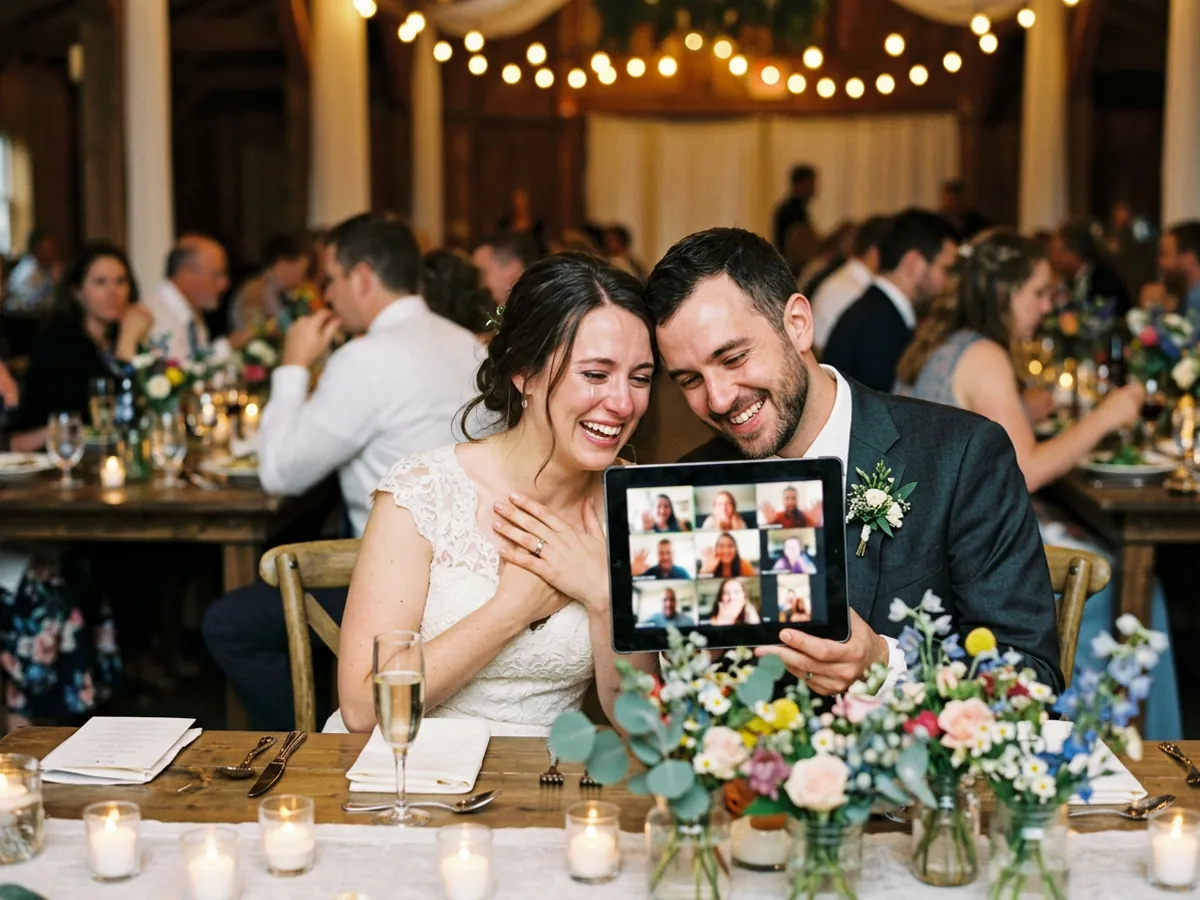

Every table, every voice.
4 ways
for guests to share: letters, voice, video & photos
1 QR card
per table, printed straight from your dashboard
0 apps
for guests to install: it opens in their phone's browser
How it works
Four steps, from booking to keepsake.
You set it up before the event. On the night, the guests do the rest.
- Step 1
Create the event page
Add the event name, date and type. Your logo is added automatically from your brand profile.
- Step 2
Print the QR card
Print a table tent, poster or sticker with the event name and your logo, and set them out at the venue.
- Step 3
Guests scan and share
Guests scan with their phone camera and leave a letter, voice note, video or photo. No app, no account.
- Step 4
Hand over the keepsake
Your client gets a private slideshow of every message, ending with "Presented by" and your logo.
Your brand
Your logo goes home with every guest.
Set your logo once in your brand profile. Every event page you create shows it to the guests who scan your card.
- On the printed QR card at every table
- On the guest message page, right at the top
- At the end of the keepsake slideshow your client keeps
Ana & Marco's Wedding
Scan to leave the couple a message
Ana & Marco's Wedding
Leave a message for the couple
- Letter
- Voice
- Video
- Photo
Who it's for
Built for the people who make events happen.
Photobooth operators
Add a guest-message keepsake to every booking, with your logo on the page guests see.
Photographers & videographers
Hand over the messages alongside the photos and film, so the story includes everyone's words.
Planners & coordinators
One page per event, one card per table. Nothing for your team to chase on the day.
Weddings
Blessings and memories from every table, not just the people who gave a toast.
Debuts & kiddie parties
Messages from family, friends and the whole barkada, kept for years to come.
Corporate events
Thank-yous, farewells and milestones from the whole team, in one place.
Why suppliers add it
An extra your clients remember, with your name on it.
Set your logo once
Upload your logo to your brand profile one time. Every event page you create carries it.
Advertising at every table
Every guest who scans the card sees your brand on the message page.
Easy for every guest
Grandparents, friends and the kids can all join in. Scan, record, send. No account needed.
A keepsake after the night ends
Your client gets a private slideshow of every message, ending with your logo.
Get started
Bring Moment Letters to your next event.
Already set up as a partner? Create your next event page now. New to Moment Letters? Tell us about your business and the events you cover.
Plans for event suppliers are still being finalised, so we set up new partners personally for now.
FAQ
Questions from suppliers and hosts.
Do guests need an app or an account?
No. Guests scan the QR card and the page opens in their phone's browser. They can leave a letter, voice note, video or photo in a minute.
Where does my logo appear?
On the guest message page, on the printable QR card, and at the end of the keepsake slideshow, where it says the event was presented by you.
What do I print?
A QR card with the event name and your logo, in three sizes: an A5 table tent, an A4 poster, or a sticker. Print it from the event's dashboard.
Which events does it work for?
Weddings, debuts, kiddie parties, corporate events and other celebrations. You pick the event type when you create the page.
What does my client receive?
A private slideshow and a message wall with everything guests sent. Only people with the private link can watch the slideshow.
How much does it cost?
Plans for event suppliers are still being finalised. Talk to us and we'll set you up.
Give every guest a voice at your next event.
Create the event page, print the card, and let the guests do the rest. Your brand goes home with every keepsake.
Get started- Private keepsake for your client
- No app for guests
- Your logo on every page